What Apple Health Tracks for Nutrition
Apple Health serves as a centralized dashboard for your health data on iOS. For nutrition specifically, Apple Health can store and display a wide range of dietary data points, including:
- Macronutrients: Calories (dietary energy), protein, total carbohydrates, total fat, saturated fat, and polyunsaturated/monounsaturated fat
- Sugars and fiber: Dietary sugar, added sugars, and dietary fiber
- Micronutrients: Vitamins A, B6, B12, C, D, E, and K, plus folate, niacin, riboflavin, and thiamin
- Minerals: Calcium, iron, magnesium, potassium, sodium, and zinc
- Other: Cholesterol, caffeine, and water intake
Apple Health doesn't generate this nutrition data on its own — it acts as a repository. The data comes from third-party nutrition apps that write to HealthKit, Apple's health data framework. When you log a meal in a compatible app, that app can send the nutritional breakdown to Apple Health, where it appears alongside your activity, sleep, heart rate, and other health metrics.
As of 2026, Apple Health supports over 80 distinct health data types, with nutrition comprising more than 20 of those categories — making it one of the most comprehensive consumer health data platforms available.
This centralized model is powerful because it lets you see relationships between nutrition and other health metrics. For example, you can observe how your sodium intake correlates with blood pressure readings, or how protein consumption aligns with your recovery metrics after strength training.
How Nutrition Apps Sync with Apple Health
The technical bridge between nutrition apps and Apple Health is HealthKit — Apple's developer framework for reading and writing health data. Here's how the sync process works:
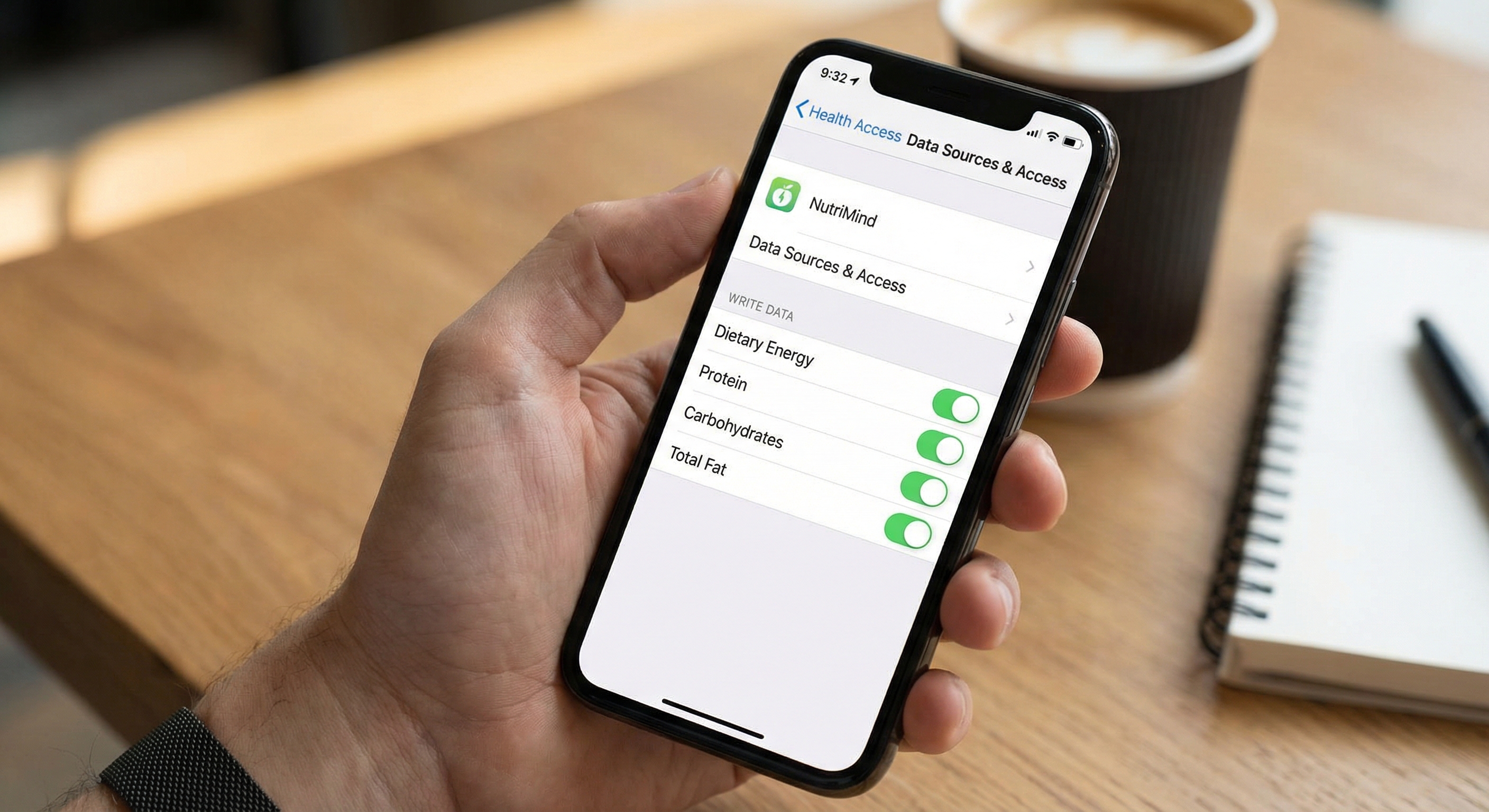
- Permission Request: When you first connect a nutrition app to Apple Health, the app requests specific read and write permissions. You control exactly which data types the app can access — for example, you might allow it to write nutrition data but not read your heart rate.
- Data Writing: Each time you log a meal in the nutrition app, it packages the nutritional data (calories, macros, micronutrients) into HealthKit-compatible data samples and writes them to the Apple Health store. Each sample includes a timestamp, source identifier, and the nutritional values.
- Data Reading: Nutrition apps can also read data from Apple Health. This is useful for pulling in active calories burned (from Apple Watch), step counts, or workout data to calculate your net energy balance for the day.
- Background Sync: Most apps sync with Apple Health in the background, so you don't need to manually trigger the data transfer. Updates appear in Apple Health within seconds to minutes of logging.
"HealthKit was designed with one central principle: the user owns their health data. Every app must request explicit permission to read or write each data type, and users can revoke access at any time. This privacy-first model has been critical in building consumer trust." — Apple Developer Documentation, HealthKit Framework
The permission model is granular and privacy-respecting. You remain in full control of which apps can see which data, and you can revoke permissions at any time through Settings > Health > Data Access & Devices.
Benefits of Centralized Health Data
Centralizing your nutrition data in Apple Health alongside your other health metrics creates several practical advantages:
1. Cross-Metric Insights
When nutrition, activity, sleep, and biometric data live in one place, patterns emerge that are invisible when data is siloed in separate apps. You might notice that your energy levels and workout performance dip on days when your carbohydrate intake drops below a certain threshold, or that high-sodium meals correlate with disrupted sleep.
2. App Flexibility
Because Apple Health stores the underlying data, you can switch nutrition apps without losing your historical records. If you try one app for three months and decide to switch, your nutrition history remains in Apple Health. The new app can read that history and continue where the old one left off.
3. Sharing with Healthcare Providers
Apple Health allows you to export or share your health records with doctors, dietitians, and other providers. Having months of detailed nutrition data available during a medical consultation is far more useful than trying to recall your eating habits from memory. A 2019 study in the Journal of Medical Internet Research found that image-assisted dietary assessment methods — when combined with centralized digital health records — reduced patient recall burden by over 50% while maintaining comparable accuracy to dietitian-administered recalls.
4. Family and Caregiver Access
Apple Health's sharing features allow you to share specific health data with family members or caregivers. For older adults or individuals managing chronic conditions, this means a caregiver can monitor nutritional intake remotely without needing access to the tracking app itself.
5. Long-Term Trend Tracking
Apple Health stores data indefinitely (backed up through iCloud), giving you years of nutritional history. This long-term view is invaluable for identifying seasonal patterns, tracking the impact of dietary changes over months, or providing comprehensive data for health research participation.
Setting Up Nutrition Tracking with Apple Health
Getting Apple Health nutrition tracking up and running takes just a few minutes:
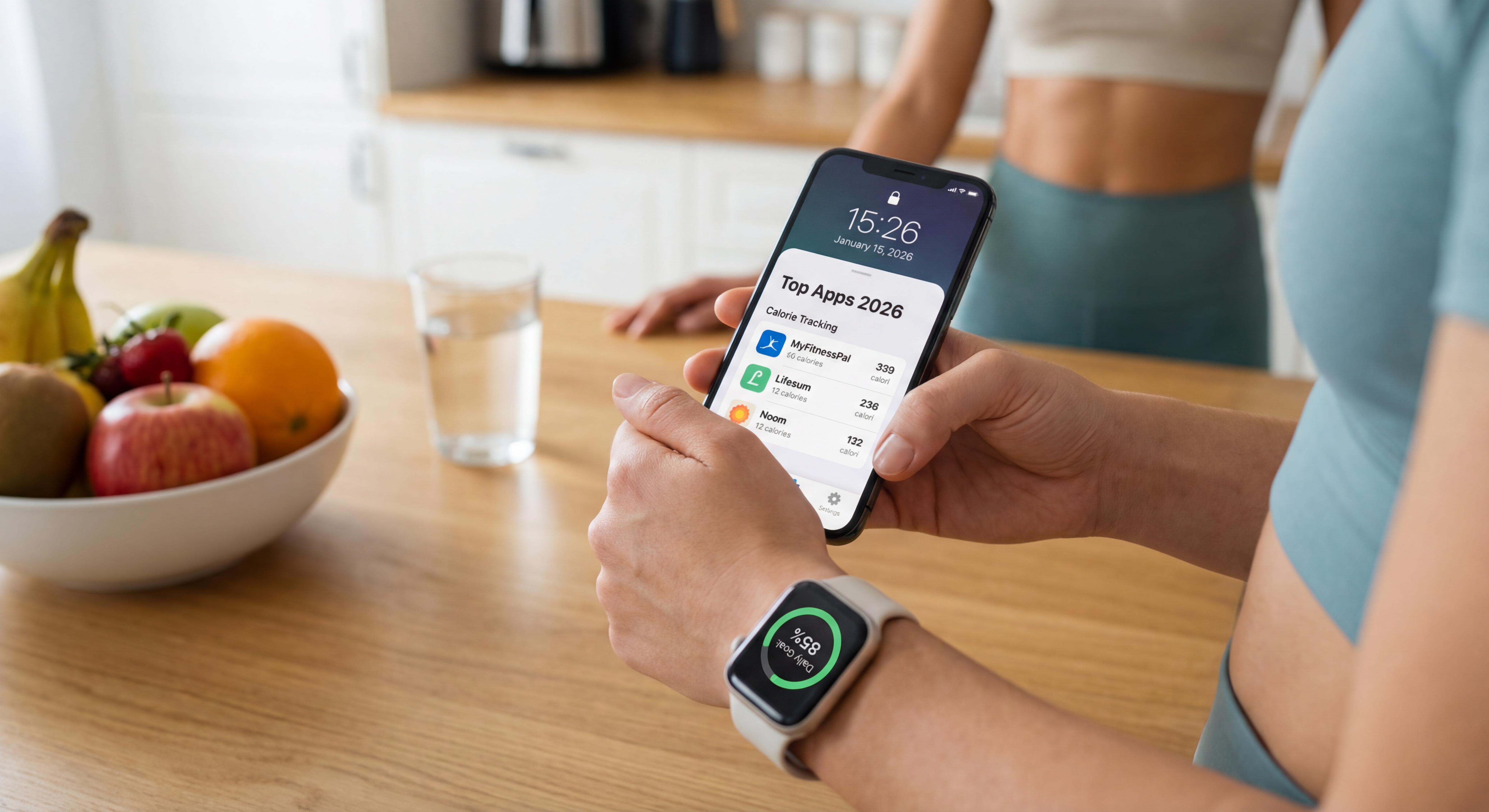
- Choose a compatible nutrition app. Most major nutrition trackers — including NutriMind, MyFitnessPal, Cronometer, Yazio, and Lose It! — support Apple Health integration. Install the app and complete the initial setup (goals, preferences, etc.).
- Open the nutrition app's settings and look for "Apple Health," "HealthKit," or "Connected Apps." Tap to begin the connection process.
- Grant permissions. Apple Health will present a permission screen showing which data types the app wants to read and write. At minimum, enable write access for Dietary Energy (calories), Protein, Carbohydrates, and Total Fat. Enable additional nutrient categories if you want micronutrient data in Apple Health.
- Enable read permissions for activity data. If you want your nutrition app to factor in calories burned from workouts and daily movement, allow it to read Active Energy, Basal Energy, and Workouts from Apple Health.
- Log a test meal in your nutrition app, then open Apple Health and navigate to Browse > Nutrition to verify that the data appears.
Troubleshooting Common Issues
- Data not appearing: Check that write permissions are enabled for the specific nutrient types. Some apps default to minimal permissions and require you to manually enable each category.
- Duplicate entries: If you use multiple nutrition apps that both write to Apple Health, you may see double-counted data. Apple Health has built-in duplicate detection, but it's best to designate one app as your primary nutrition data source.
- Delayed sync: Background app refresh must be enabled for automatic syncing. Go to Settings > General > Background App Refresh and ensure your nutrition app is toggled on.
Best Nutrition Apps That Integrate with Apple Health
While most major nutrition apps support Apple Health, the depth of integration varies. Here are the apps with the strongest HealthKit implementations:
- Cronometer: Writes the most comprehensive micronutrient data to Apple Health — over 80 tracked nutrients. If detailed micronutrient tracking in Apple Health is your priority, Cronometer is the gold standard.
- MyFitnessPal: Solid integration that writes calories, macros, and key nutrients. Reads activity data from Apple Watch for net calorie calculations. The large food database means most meals get logged and synced accurately.
- NutriMind: Full bidirectional Apple Health integration. Writes macro and micronutrient data from logged meals, reads active and basal energy from Apple Watch, and syncs workout data for a complete energy balance picture. AI photo logging data syncs to Apple Health just as accurately as manual entries.
- Yazio: Writes core nutrition data (calories, macros, water) and reads step and activity data. Clean integration that covers the basics well.
- Lose It!: Writes calorie and macro data to Apple Health and reads activity information. Its Snap It photo feature data syncs to HealthKit alongside barcode-scanned entries.
According to a 2018 study in the Journal of the Academy of Nutrition and Dietetics, consumers who actively track their nutrition consume 5–9% fewer calories from fat and 10% less sodium — benefits that are amplified when nutrition data is centralized alongside activity and biometric data for holistic health monitoring.
NutriMind's Apple Health Integration
NutriMind's Apple Health integration is designed to be comprehensive and seamless. Every meal you log — whether via AI photo recognition, barcode scanning, database search, or manual entry — automatically syncs its full nutritional profile to Apple Health. This includes calories, protein, carbohydrates, fat, fiber, sodium, sugar, and available micronutrients.
On the input side, NutriMind reads your active energy burned, basal metabolic rate, and workout data from Apple Health (sourced from Apple Watch or other connected devices). This data feeds into NutriMind's daily energy balance calculation, showing you not just what you ate, but how it compares to what you burned — all without requiring you to manually enter workout calories.
The integration also supports NutriMind's AI Macro Coach. Because the coach has access to your combined nutrition and activity data, it can provide more personalized guidance — for example, suggesting higher carbohydrate intake on days when Apple Watch records unusually high activity levels.
If you're an Apple ecosystem user who wants your nutrition data to live alongside your activity, sleep, and health metrics in one place, try NutriMind free and connect it to Apple Health in under a minute.
Written by Johnny
Founder of NutriMind and health-tech developer. Johnny builds AI-powered tools that make nutrition tracking faster and more accessible for everyone.
Connect on LinkedIn →Try NutriMind Free
AI-powered food tracking, barcode scanning, macro coaching, and more — available on iOS, Android, and web.